

Dear Valued Customer,
Thank you for choosing DOCKCASE. Before proceeding with a firmware update, please carefully read the following important notes:
1. Firmware Stability & Upgrade Recommendation
The firmware pre-installed on your product has been fully tested and verified to ensure optimal stability and broad compatibility. If you are not experiencing any specific functional or compatibility issues, we do NOT recommend updating the firmware, as unnecessary updates may cause unexpected risks.
When important feature improvements or necessary updates, DOCKCASE will release official notifications as soon as they become available. For the latest information, please contact our support team at support@dockcase.com.
2. When a Firmware Update Is Required
If you are experiencing functional issues or compatibility problems, our support team may recommend a firmware update after reviewing your device information.
Before we can provide any firmware file, please send the following information to our support team:
▪️Order number
▪️Dockcase “About Me” page:
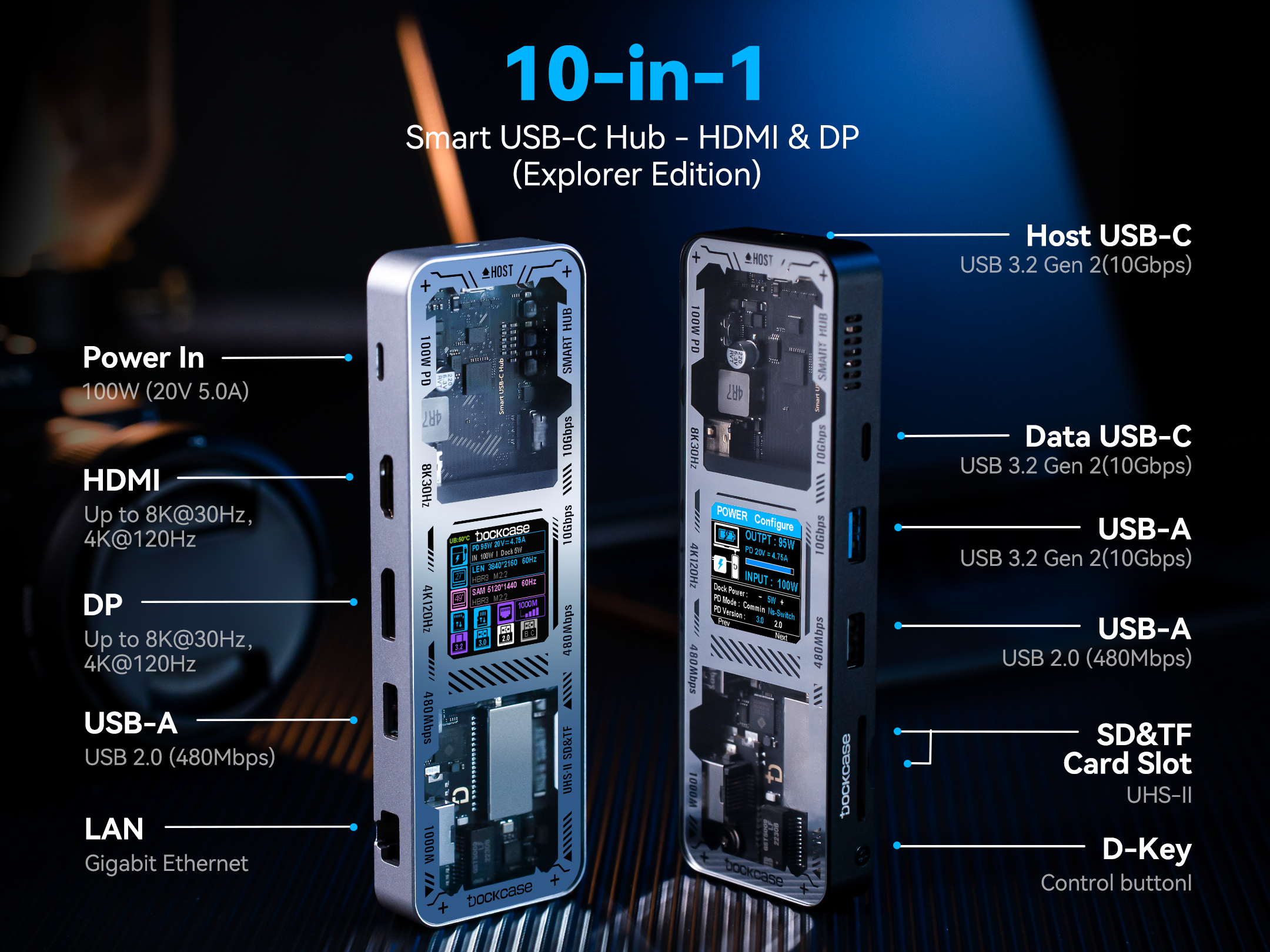
Press and hold the side D-Key until the “About Me” screen appears. Take a photo of this page and send it to us.
Additional information (for diagnosis):
▪️Host device model (computer / phone / tablet)
▪️Operating system and version
▪️SSD or storage device model
▪️Detailed description of the issue and usage scenario
▪️Photos or videos showing the problem (if possible)
Providing detailed information will help us identify the root cause more efficiently and offer an effective solution.
⚠️ Without the “About Me” page photo, we cannot confirm your firmware version.
Here is an example of the “About Me” page:
